How to invite users to a Uniform project via API
Last updated: October 8, 2025
Uniform provides UI for managing user and roles, and inviting new users:
https://docs.uniform.app/docs/guides/users
If you need to add more than one person at a time, you may to use the Uniform public API:
https://uniform.app/schemas/swagger
The POST /api/v1/members can be used to programatically to invite multiple people, for example when you have a list or connecting users from another system.
Uniform can integrate with your existing SSO system for authentication, but for role management the members API need to be used
Here is the general idea of the code:
Use any code or system that can sen an HTTP request with different body and headers. Some JS or command-line like approach is recommended, but not required.
You need to collect the information below:
Users emails, as the invitation link will be sent to an email. They must click on the link to accept the invitation.
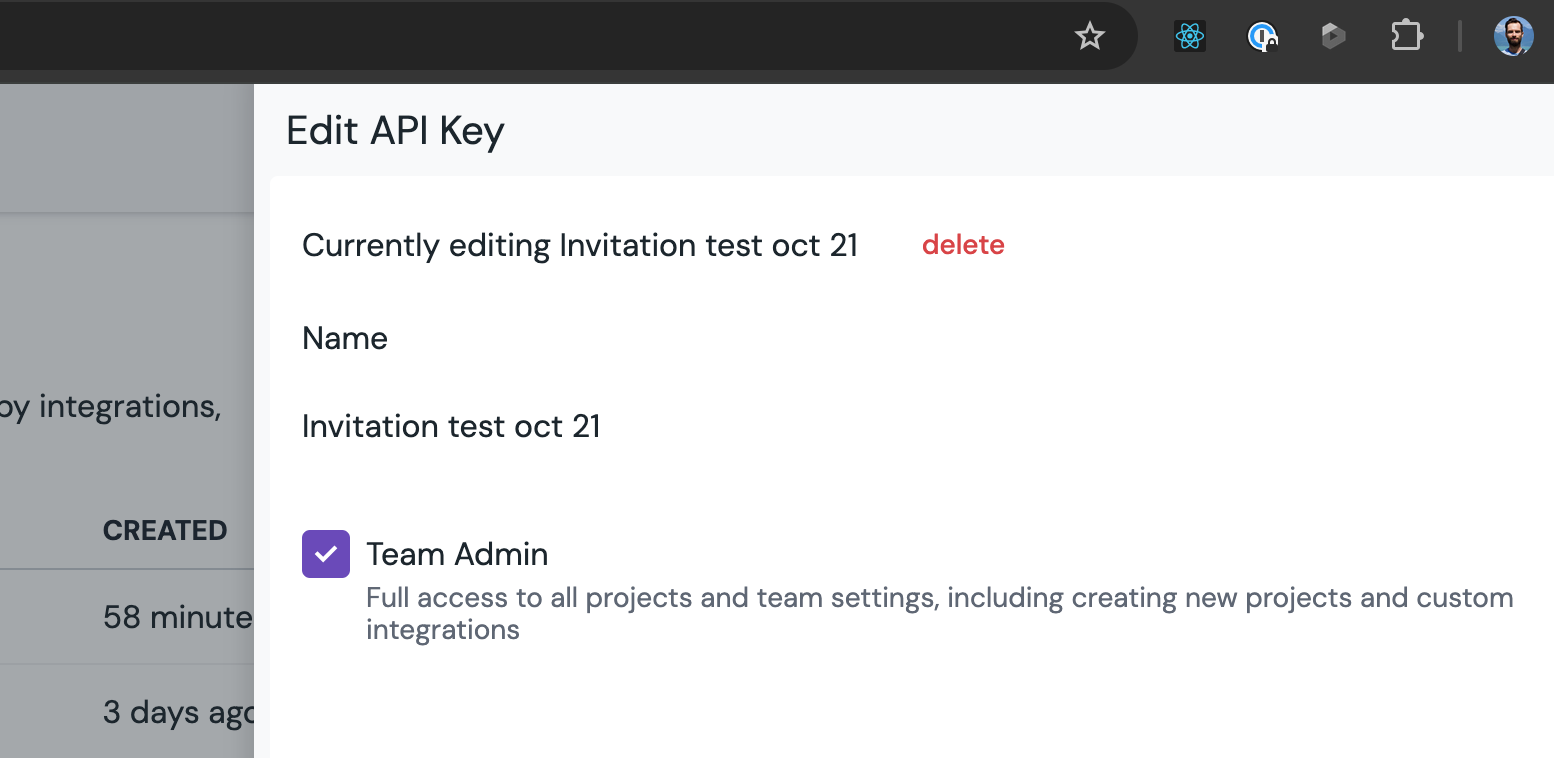
Team-leve API key: https://docs.uniform.app/docs/guides/apis#create-api-key
Project and team IDs, which can be accessed via Settings -> General on the project level and than on the team level (when you see a list of projects)
Role IDs, which can be obtained from Uniform team level Security -> Roles -> click the one you need and copy the public ID.
You may also assign specific permissions if needed, without setting the roles, but this isn't recommended for maintenance purposes.
HTTP request example
URL:
POST https://uniform.app/api/v1/members
Body:
{
  "projects": [
    {
      "projectId": "9b7e790d-9d06-4163-bee3-fdcd3fea7820",
      "useCustom": false,
      "roles": [
        "649dbb69-92e8-4d2a-bb20-ae4de5a6f52e"
      ],
      "permissions": [

      ]
    }
  ],
  "isAdmin": false,
  "email": "nekit.mc@gmail.com",
  "teamId": "44850c52-3b12-4339-afa5-f96b3d5c055e",
  "sendEmail": true,
  "name": "namevalue"
}
useCustom parameter is to use specific permissions instead of a role. The permissions section is required, but can be empty. This is where you define custom permissions.
Authentication:
Use the x-api-key HTTP header with the value of the Uniform API keys with the team permissions.